
Content Creation
How to find great web design imagery
If you're a web designer or developer, it's essential to stay up-to-date on the latest trends and best practices in the industry. From learning new skills to finding inspiration and staying organized, there are many resources available to help you succeed in your career.
Here are some top web design resources that every creative should know about:
- Online courses and tutorials: There are numerous online courses and tutorials available that can help you learn new web design skills or improve your existing ones. Some popular options include Udemy, Skillshare, and LinkedIn Learning.
- Blogs and podcasts: There are many blogs and podcasts that cover a wide range of web design topics, from design trends and best practices to tips for freelancers and entrepreneurs. Some popular ones to check out include Smashing Magazine, Creative Bloq, and A List Apart.
- Design inspiration: Sometimes, it can be helpful to look to others for inspiration when you're feeling stuck. There are many websites and social media accounts that showcase beautiful web design examples, such as Dribbble, Awwwards, and Behance.
- Project management tools: As a web designer, it's important to stay organized and manage your projects efficiently. Some popular project management tools include Trello, Asana, and Basecamp.
- Design resources: There are many websites that offer design resources such as stock photos, icons, and templates that can help you save time and improve your workflow. Some popular options include Unsplash, The Noun Project, and Canva.
Stay up-to-date and organized with these top web design resources. Your career will thank you!
Imagery is a powerful tool in web design – it can help convey your brand message, create an emotional connection with your audience, and make your website more visually appealing. But choosing the right images for your website can be a challenge. Here are some tips for using imagery effectively in web design:
- Choose high-quality images: Poor quality images can hurt your credibility and make your website look unprofessional. Invest in high-quality images that are clear, well-lit, and relevant to your brand and content.
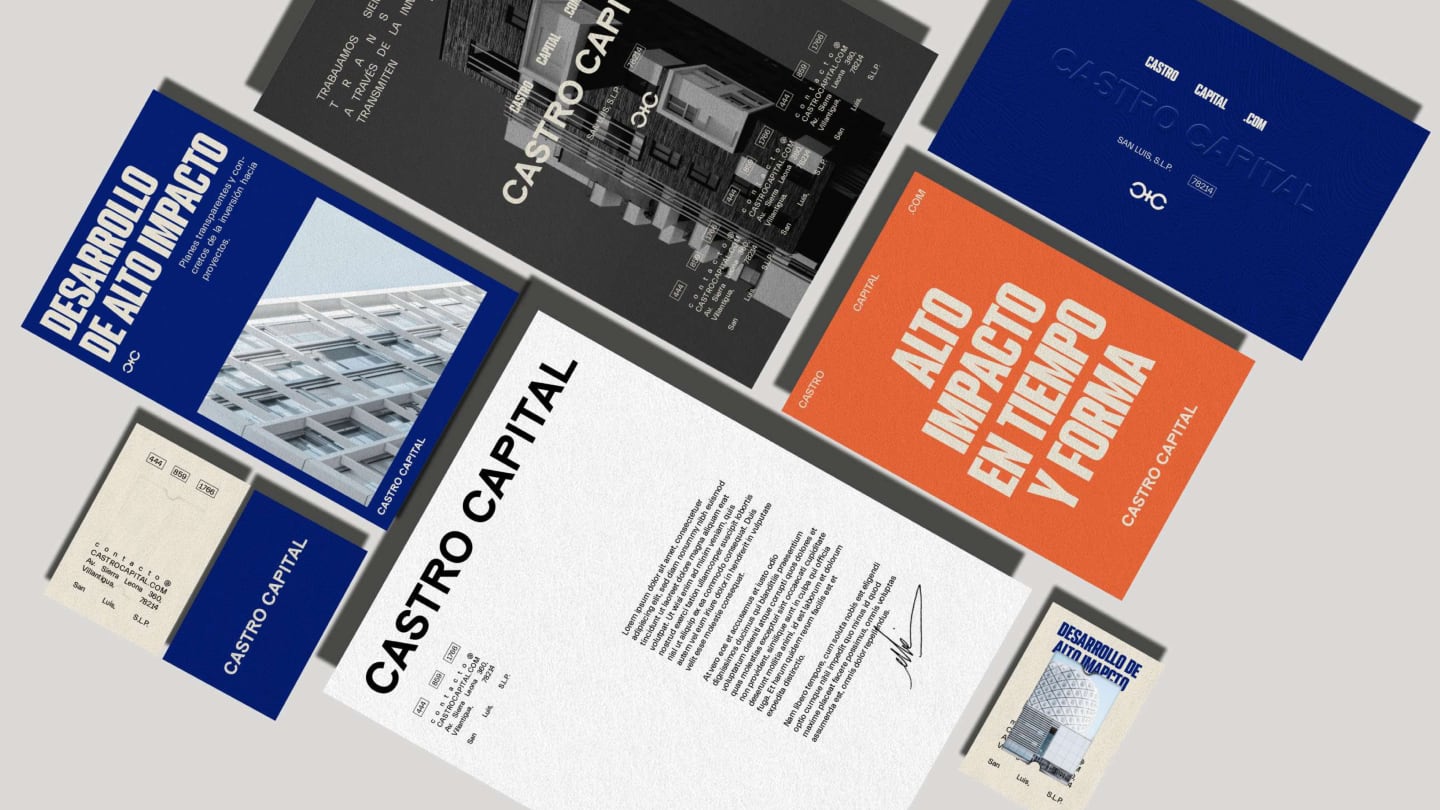
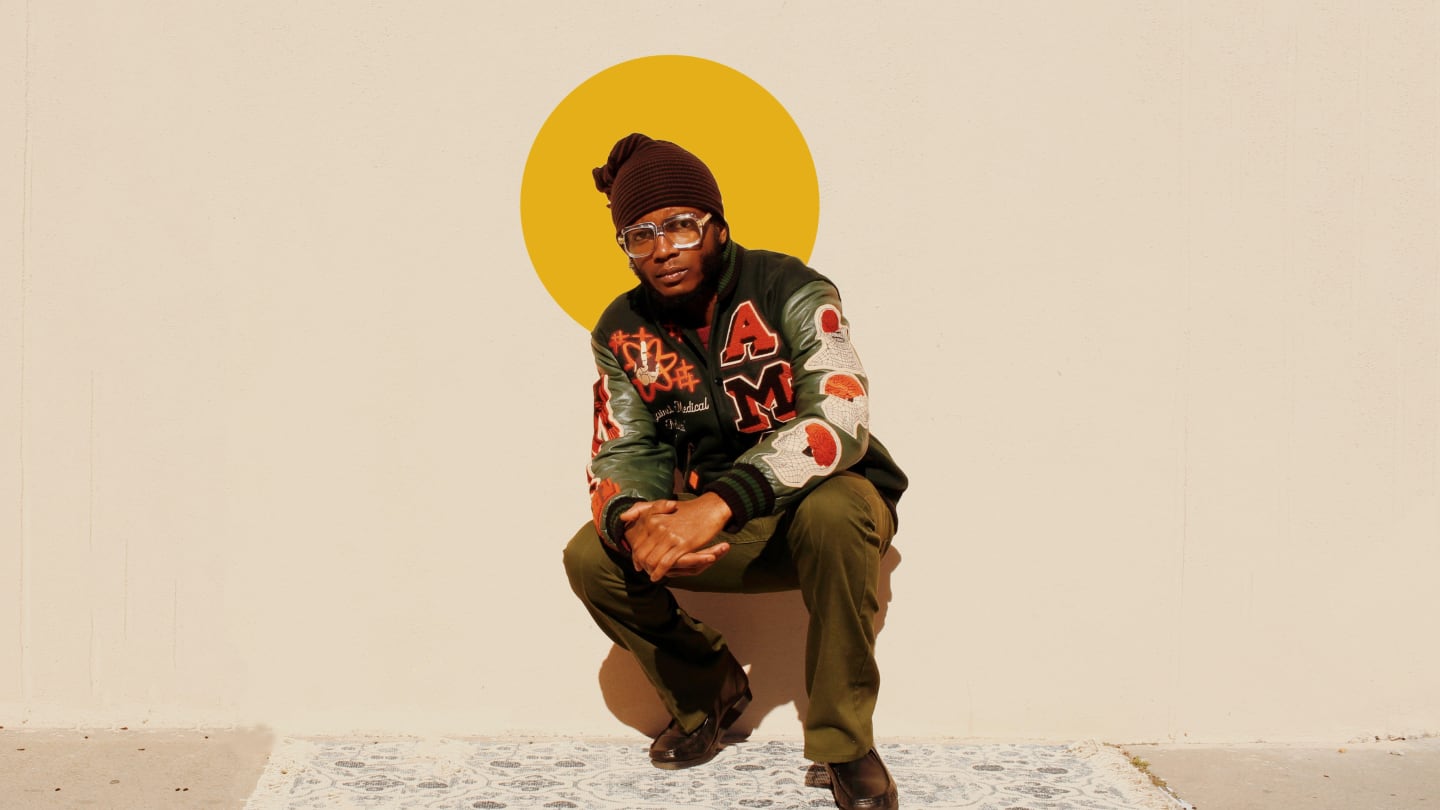
- Use a mix of images: Don't rely on just one type of image – mix it up with different types of images such as photographs, illustrations, and graphics. This will help keep your website visually interesting and engaging.
- Consider your color scheme: The colors in your images should complement your overall website color scheme. Choose images with colors that are consistent with your brand palette and avoid using images with clashing colors.
- Optimize images for web: Large images can slow down your website, which can be frustrating for users. Make sure to optimize your images for the web by saving them in the appropriate file format and reducing their size without sacrificing quality.
- Use alt text: Alt text is a description of an image that is used by screen readers and search engines. It's important to include alt text on all of your images, not only for accessibility purposes, but also to improve your website's search engine optimization.